 Paperlane
Evrak işlerin artık cebinde.Your paperwork, in your pocket.
Kâğıdı saniyeler içinde PDF yap, imzanı tam istediğin yere koy, dosyanı küçült ve yapay zekaya belgen hakkında soru sor. Hesap açmana gerek yok.Turn paper into PDFs in seconds, place your signature exactly where it belongs, shrink files and ask AI about your documents. No account needed.
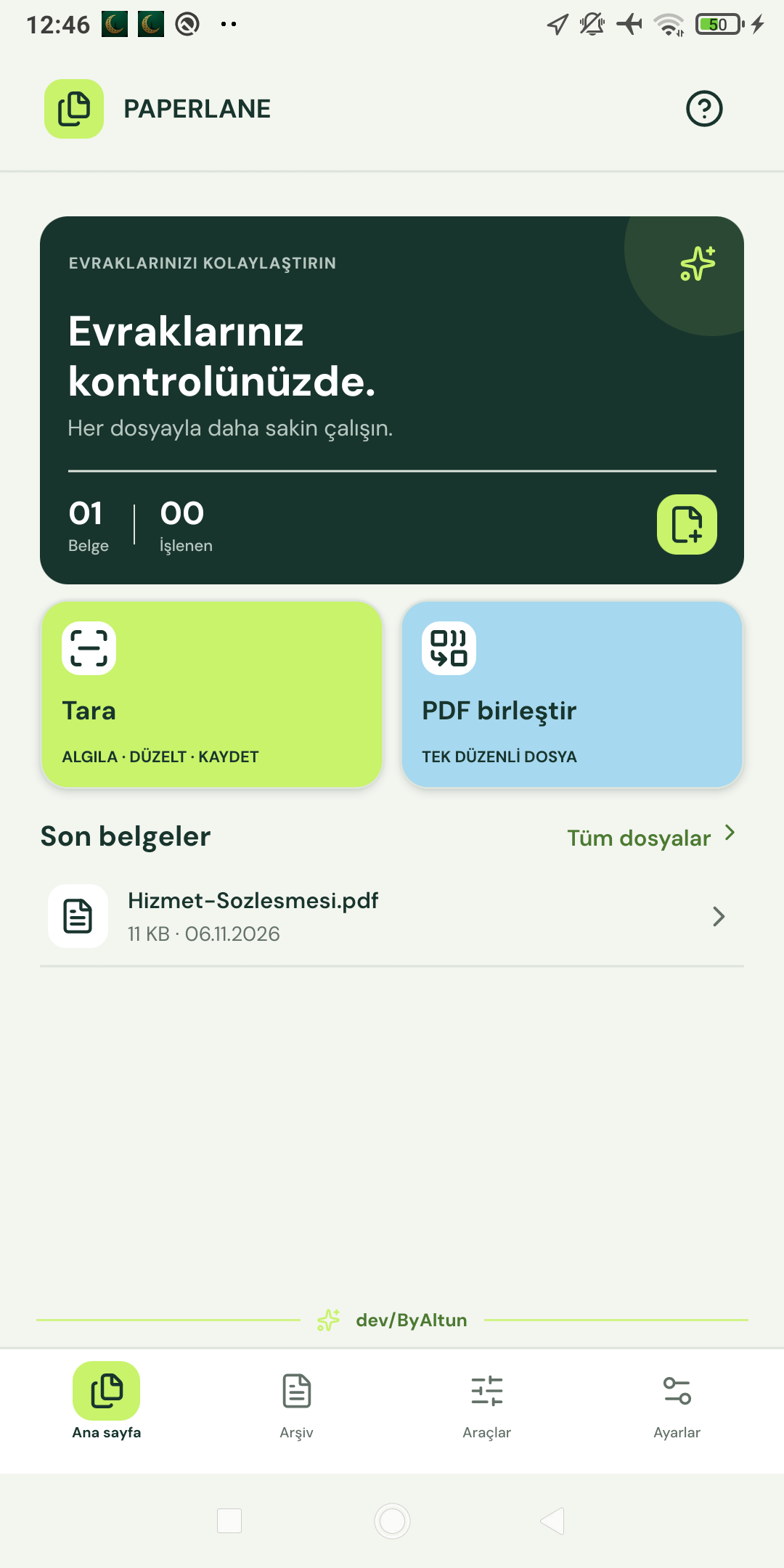
Bir ofisin belge işleri, tek uygulamada.A whole office of document tools, in one app.
Paperlane karmaşık PDF programlarının yerine geçer. Her araç birkaç dokunuşta iş görür.Paperlane replaces complicated PDF software. Every tool gets the job done in a few taps.
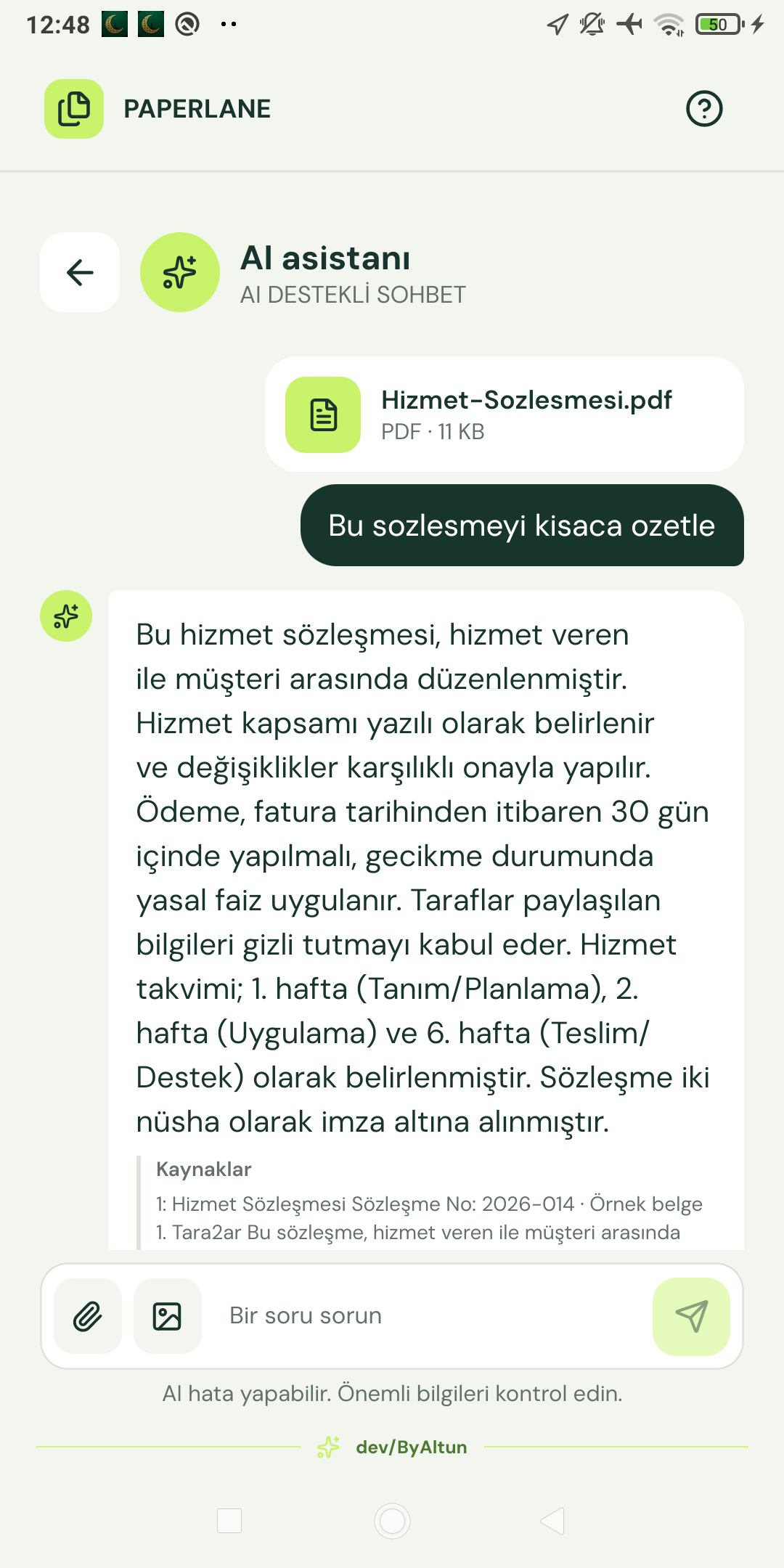
İmzanı sürükle, bırakDrag your signature into place
Parmağınla çiz, sayfayı seç, tam yerine sürükle ve boyutunu ayarla. Yazdırıp tarama derdi bitti.Draw it with your finger, choose the page, drag it into place and adjust the size. No more printing and rescanning.
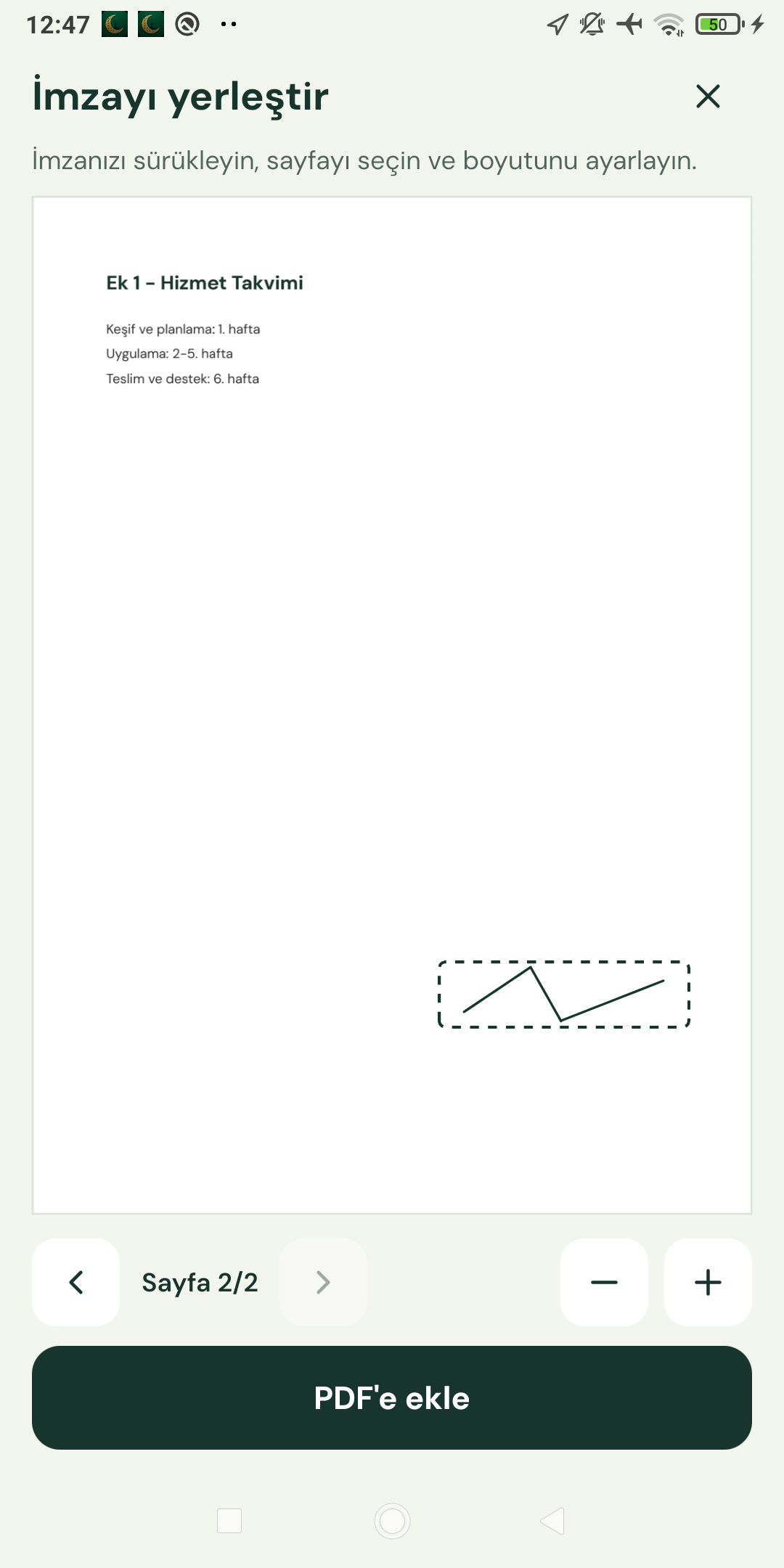
Belgene soru sorAsk your document
PDF ekle, özet iste, önemli maddeleri bul. Asistan senin dilinde cevap verir.Attach a PDF, ask for a summary and find key points. The assistant replies in your language.
Akıllı tarayıcıSmart scanner
Kamera belgeyi algılar, kenarları düzeltir, temiz bir PDF oluşturur.The camera detects the document, straightens the edges and creates a clean PDF.
Dosyayı küçültShrink your files
Üç sıkıştırma seviyesi. Testimizde 203 KB'lık örnek dosya 44 KB oldu; sonuç dosyaya göre değişir.Three compression levels. A 203 KB sample became 44 KB in our test; results vary by file.
Görselden metinText from images
Fiş, fatura ve fotoğraflardaki yazıları yapay zekayla okut. Görsel yalnızca sen gönderdiğinde işlenir.Read text from receipts, invoices and photos with AI. Images are processed only when you send them.
Her araç yerli yerindeEvery tool you need
- PDF birleştirmeMerge PDFs
- Sayfa bölmeSplit pages
- Sayfa silmeDelete pages
- Sayfa sıralamaReorder pages
- Sayfa döndürmeRotate pages
- Sayfa numarasıPage numbers
- FiligranWatermark
- Görselden PDFImages to PDF
- YazdırmaPrint
6 dildeIn 6 languages
Arapça için tam sağdan sola düzen.Full right-to-left layout for Arabic.
Üç adımda hazır.Ready in three steps.
Kayıt yok, kurulum yok, öğrenme süreci yok.No sign-up, no setup, no learning curve.
Belgeni ekleAdd your document
Kamerayla tara, galeriden seç veya PDF dosyanı içe aktar.Scan with the camera, pick from your gallery or import a PDF.
Aracını seçChoose a tool
İmzala, birleştir, küçült veya yapay zekaya sor.Sign, merge, shrink or ask the AI.
PaylaşShare it
Sonucu kaydet, yazdır veya istediğin uygulamayla gönder.Save it, print it or send it with any app.
Dosyaların senin.Your files stay yours.
Tarama ve PDF düzenleme cihazında yapılır, dosyaların sunucularımıza yüklenmez. Yapay zeka isteğe bağlıdır ve yalnızca sen gönderdiğinde, onayınla çalışır.Scanning and PDF editing happen on your device and your files are not uploaded to our servers. AI is optional and only runs when you send something, with your consent.
Hesap gerekmezNo account needed
E-posta veya şifre istemiyoruz. Uygulamayı aç ve başla.We do not ask for an email or password. Open the app and start.
Merak edilenlerGood to know
Paperlane ücretsiz mi?Is Paperlane free?
Evet, temel araçlar ücretsizdir ve reklam içerir. Reklamları kaldırmak için aylık, yıllık veya tek seferlik plan seçebilirsin.Yes, the core tools are free and include ads. You can remove ads with a monthly, yearly or one-time plan.
Dosyalarım nerede saklanıyor?Where are my files stored?
Dosyaların cihazında, uygulamanın içinde saklanır. Yapay zekaya gönderdiğin içerik dışında hiçbir belge cihazından çıkmaz.Your files are stored on your device inside the app. Only content you send to the AI leaves your device.
Yapay zeka nasıl çalışıyor?How does the AI work?
Soru sorduğunda mesajın, seçtiğin görsel veya PDF metni üçüncü taraf yapay zeka hizmetlerine iletilir. Hassas belgeleri göndermemeni öneririz.When you ask a question, your message, chosen image or PDF text is sent to third-party AI services. We recommend not sending sensitive documents.
Hangi cihazlarda çalışır?Which devices are supported?
Android 7 ve üzeri, iOS 16.4 ve üzeri.Android 7 and later, iOS 16.4 and later.
Sorun mu var, fikrin mi?A problem or an idea?
Geri bildirimlerini okumak isteriz.We would love to hear from you.